
I deleted my previous post. People were answering a question that I didn't ask. But I'll take the blame. Maybe I didn't make it clear what I was asking.
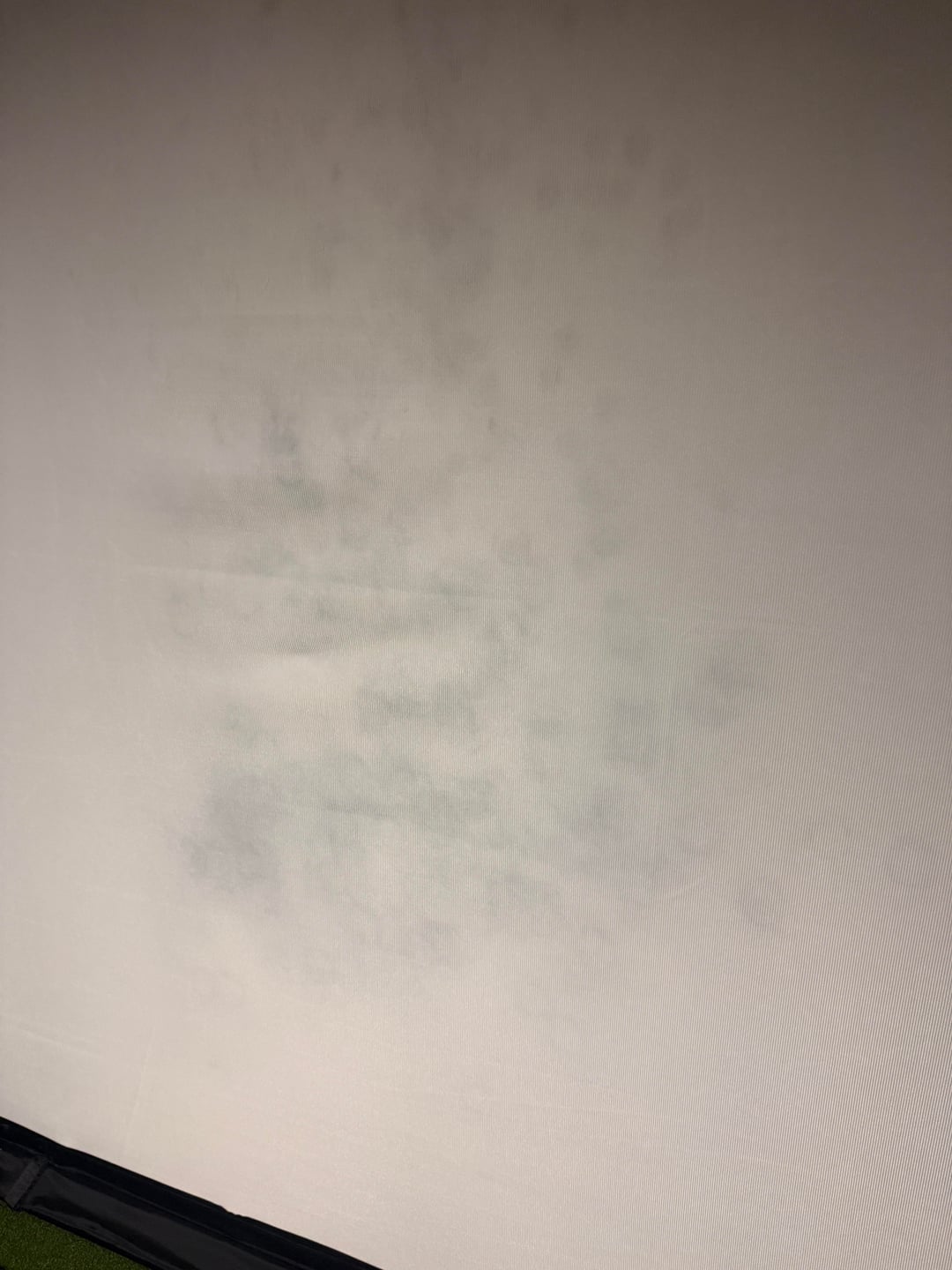
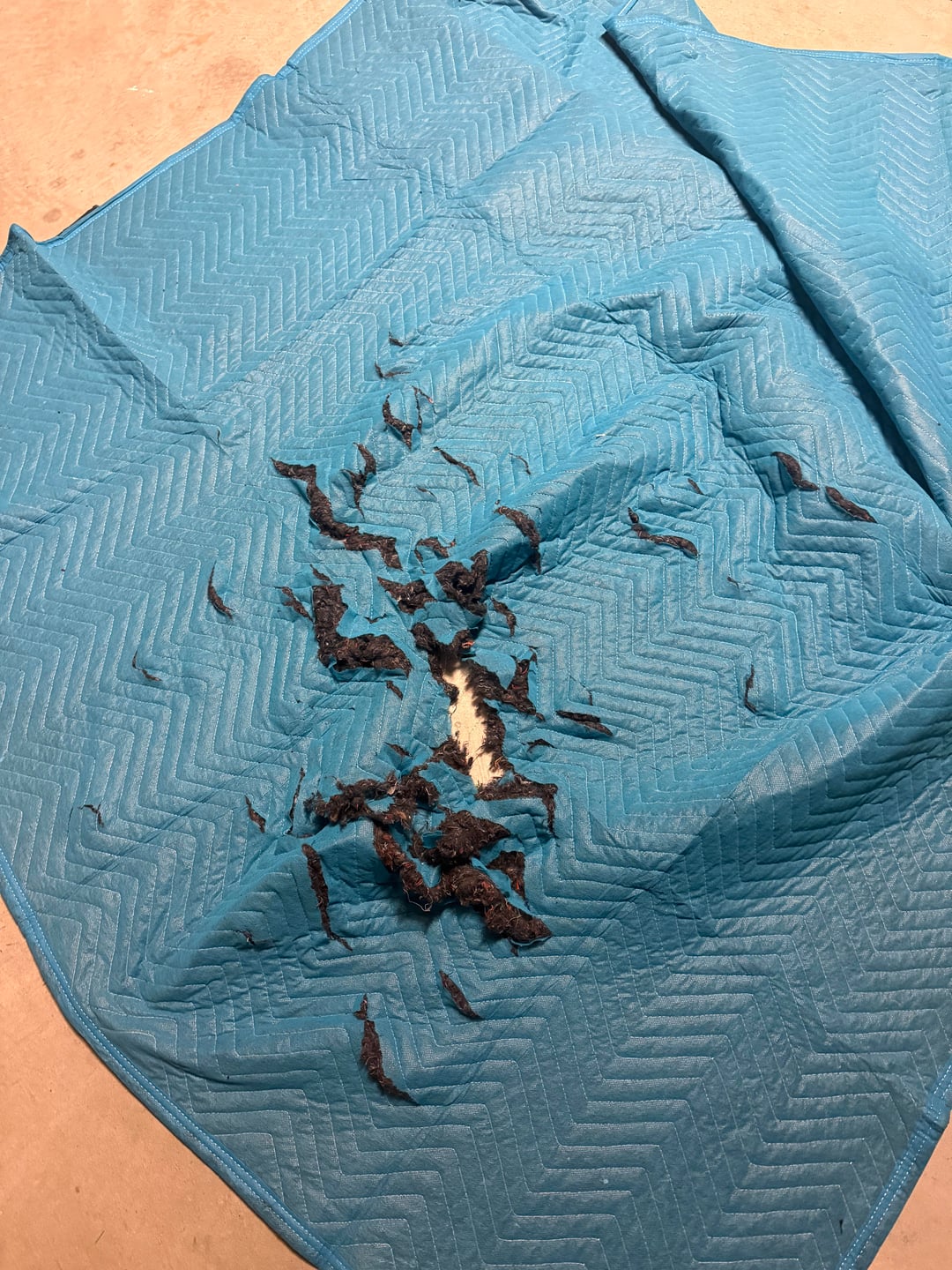
I placed a blanket behind my screen to deaden bounce back. It worked very well, but the blanket shredded and the dye left spots that are lightly visible from the front side of the screen.
I've removed the blankets and am going to remove some bungees to try to reduce the bounce back.
Here's my question? Should I try to clean the spots? They're basically invisible when the projector is on, but it does bother my OCD. Or will I make it worse trying to clean the spots by potentially leaving spots from the cleaning solution?
by hitthebay
6 Comments
I’m not sure how successful other people have been but everytime I’ve tried to clean my impact screen I’ve just made things worse. Water rings seems to from around the areas I clean regardless of the cleaner, type of water or how I dry it. So I’ve just stopped touching the screen.
I’ve had good success with a small little steam cleaner. I also rip it down and put it through the washing machine every spring when I disassemble.
Downside to the washing machine is any fray will unravel. I have a cheap screen, and have sewn the perimeter on it, which i kind of expected to have to do.
How certain are you it’s dye? Mine looks like that from dirty balls. I try to clean them all but this still happens. I don’t notice anything when the projector is on so it doesn’t bother me.
I’d say those marks are probably from dirty clubs or balls. If you’re not using brand new balls and swapping them out regularly, this will happen. If it really is from the blanket, do you have moisture issues where your sim is?
What’s the other side look like? You may get lucky and be able to just flip the screen around, like flipping a mattress to get to the good side back when you could do that. If the other side is just as dirty, I’d just chuck it in the washer on delicate. At least it would be uniform after a wash.
I haven’t tried but the general consensus is cleaning usually makes it worst and more noticeable, if you can’t notice it when you’re using it then who cares
Also to answer the question from your original post I had the bungees from the bottom middle alone pop off and that reduced my bounce back but the sig pro screen I’m using doesn’t have much to begin with and I only hit 140-145 ball speed.
FWIW I zoomed in on the photo and there are clearly circle ball marks which wouldn’t be caused from just a dot on the ball. Are you using brand new balls and is there anything that gets on the balls when they roll around after impact? Based on the bad bounce back my theory in they are rolling into something that you’re hitting onto the screen