

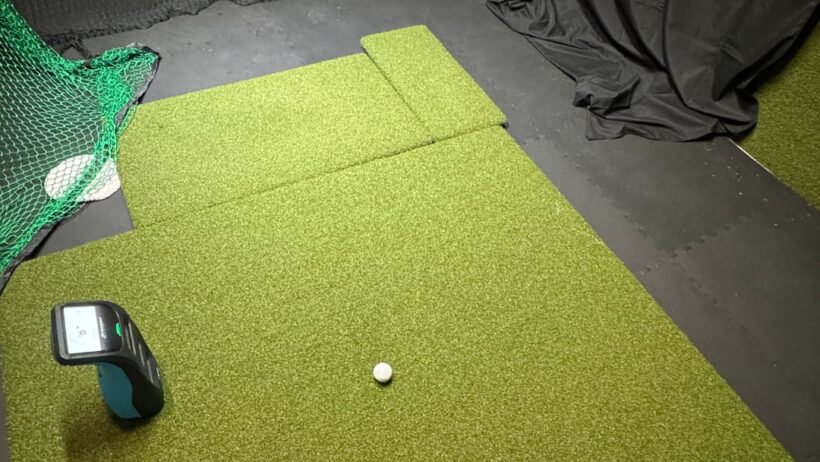
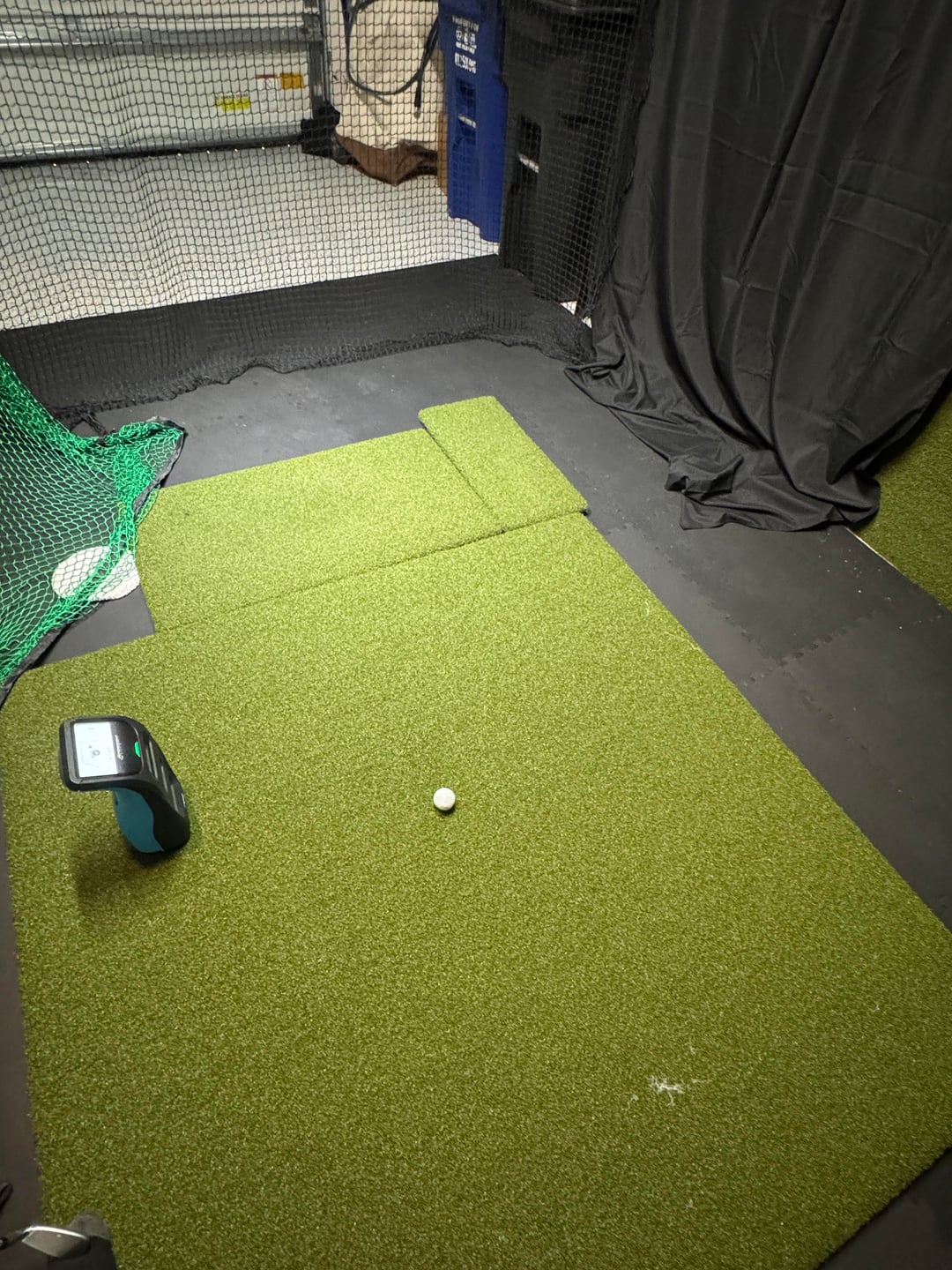


Looking for help from anyone who has dealt with this.
My GC3 is consistently reading club speed and ball speed way too low indoors, usually around 20 mph low. The weird part is it seems to read much more normally outdoors/range.
FSX matches the GC3 screen, so it does not seem like an FSX/software display issue.
The issue seems mostly speed/carry only. Shot shape, path, face, launch, spin, and strike seem believable, the ball locks quick, but club speed, ball speed are killing the carry by 30 yards with wedges alone. It get worse the longer the club.
Examples:
- Solid 6 iron indoors was only carrying around 80 yards
- My 48° wedge felt flushed, AoA was around 5–7° down, but club speed is showing around 60mph and ball speed only 65-70, resulting in the lower carry, like 70 yards
- Ball speed often looks only 10–20 mph higher than club speed too, instead of normal smash factor ranges
- Random 3wood shot – 75mph club speed 99mph ball speed..
- Even with club tracking turned off, ball speed is still low
- Outdoors/range seemed much more normal, even with range balls
Things I’ve already tried:
- Checked GC3 screen vs FSX — numbers match
- Plugged in / unplugged
- Checked firmware
- Ball position all over hitting zone
- Unit height/levelness, accelerometer calibrated, barram on/off
- Different balls, Marked balls, rct, matte, colored, foam
- Cleaned lenses
- Cleaned club stickers/dots
- Club tracking on and off
- Different clubs
- Premium golf mat
- Mat is stable and does not move, country club elite 6×8 main
- Tried different hitting positions
- Tried different hitting areas
- Tried multiple Godox lights and mounting positions, intensities, 5600k color, diffusers, barn doors to reduce reflections
- Tried regular garage light, LED shop lights
- Tried low light, tried godox pointing to the corners of the ceiling,
- Tried lights off/dark room
- ***literally no difference between lights completely off and $500 worth of flicker free lights….** strange as fuck.
- Tried matte curtains everywhere, covering garage door
- Tried other different background setups like flipping setup around and angled.
- Tried covering garage sensors/lasers
- Tried black/dark cloth around and under GC3 and hitting area
- Tried minimizing shiny/reflective stuff
- Considered epoxy floor reflection, but most floor is covered with gym mats and far away from sight. I tried covereing with blankets at some point
- Considered electrical panel/water heater/water softener interference, but none are in view
- Considered space behind me / room size, distance from net, impact screen instead of net, net bounce
***One extra detail: this is a replacement unit. My first unit had basically the same slow-speed issue and was replaced after support said the capture data showed a hardware issue.
This replacement is showing basically the same indoor problem but they deemed the data to be correct, I finally tested it outside and was happy to find it works fine. So I assumed I could fix the indoor issue after enough trial and error.
But ive gotten nowhere, literally not even 5mph of difference from all those adjustments.
Has anyone seen both club speed and ball speed read low indoors only on GC3/Launch Pro?
Is there anything else I should try??? I have opened another support ticket but I doubt they will help me if it works outdoors.
Thanks in advance. I seem to be the only person with this issue that I'm aware of
My guess is theres a hardware issue that is somehow being exposed in the garage. The walls are white and ceilings are high
by sowmanchild
Likelihood that you’d get two units with the same hardware problem seems low to me. I have a BLP and its the most set the unit down and start hitting unit out there. I know you said your mat doesnt move… but does your mat move?
Are you set to lefty?
Have you tried hitting the ball harder?
What color are your shoes?
no experience with the unit, but your list includes anything I could think of with a camera based unit. Does it have separate modes for indoor and outdoor, and if so, can you add the 10-20 back so it’s consistent? Maybe altitude?