

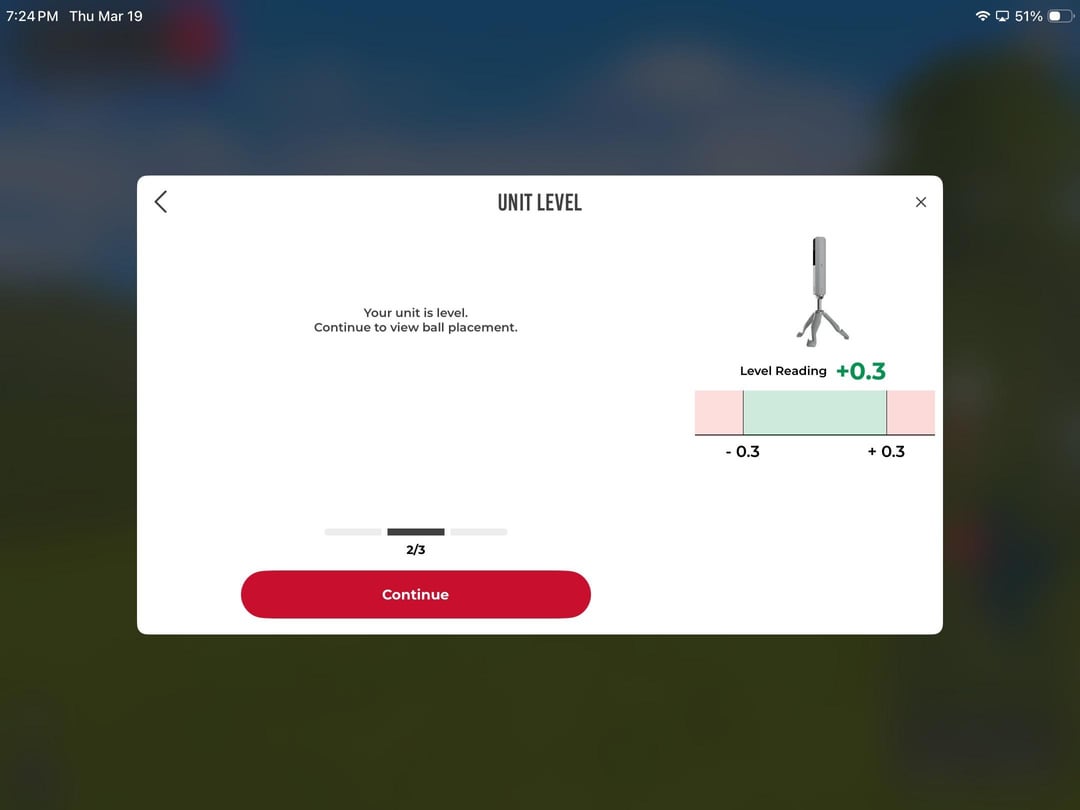


I just recently set up my sim with my Rapsodo MLM2pro and have run into consistent issues with the impact zones. I set the sim up to read where I can hit next to the tee and hit on the tee with driver and still read. The issue is with the sim changing impact zones. I have the sim set the correct distance back from the ball it suggests but it always puts the impact zones short. Then if I try and move the sim forward it
by chiefscards885
7 Comments
Reddit apparently has a character limit? To finish off it moves the zones off screen as seen in image 5. Tia
Rapsodo will make you Pull your hair out In frustration.
In som many ways!
Curious, if you set your MLM in the same spot every time is the impact zone in the same spot? If you set it up in a location where the impact zone if where you want it how far away from the ball is it? It seems like with mine, I don’t have to move it much to get the impact zone where I want it. Now I just set it in the same spot each time and it is very close.
Try raising putting the LM on something to bring the height up. Mine worked best when slightly above turf level.
I kind of just don’t worry about it. The swing path and angle of attack numbers are crazy inaccurate even if you get it perfect. That’s the only thing that that zone really matters for. As long as you are in the ballpark you’ll get good ball flight data.
I use the same Rapsodo model.
A few questions come to mind:
**Is your floor level?**
Some garages and basements are purposely *not* level to promote water flowing away from the home. It’s *really* noticeable in my garage as the slant makes it look like my car’s suspension is sagging on one side.
Check with a spirit level or maybe place (or drop) a ball on the ground and see if it wants to roll in one direction.
**Are the feet of the Rapsodo the same hight above the floor as the ball?**
The Rapsodo software works under the assumption that the launch monitor and ball are all on the same flat, level plane. If you are using a hitting mat, your ball is gonna be 1-2″ above where the feet of the launch monitor are. At home, I’ve placed my Rapsodo on a book to get it on the same plane as the ball.
I’m willing to bet this is some sort of defect with the unit. I have the same monitor and while yes, it can be finicky and sometimes difficult to set up properly, yours is showing two behaviors I have not seen. The first being it showing the tracking area anywhere off the screen. I do sometimes see the area move around on the screen from small adjustments, but I have never seen any part of it intersect with the visual boundaries. The other thing is that once I do get mine set up properly, it maintains the same detection zone when switching between modes. I don’t use much on the rapsodo app other than the range, but when I connect to GSPRO it always detects it in the same spot as I set up in the rapsodo app.
I don’t know if this plays into the detection zone, but I notice that you have it directly on the concrete floor and you’re likely hitting off a mat. The monitor should be on the same height as the ball so you may need to raise it. Also because it’s a radar unit, I’ve heard issues about getting accurate readings when there is concrete under/between the unit and the ball. I have EVA foam matts the same height as my hitting mat that extend behind it. This keeps my monitor at the same height and removes the concrete and I would say I am getting good readings.