
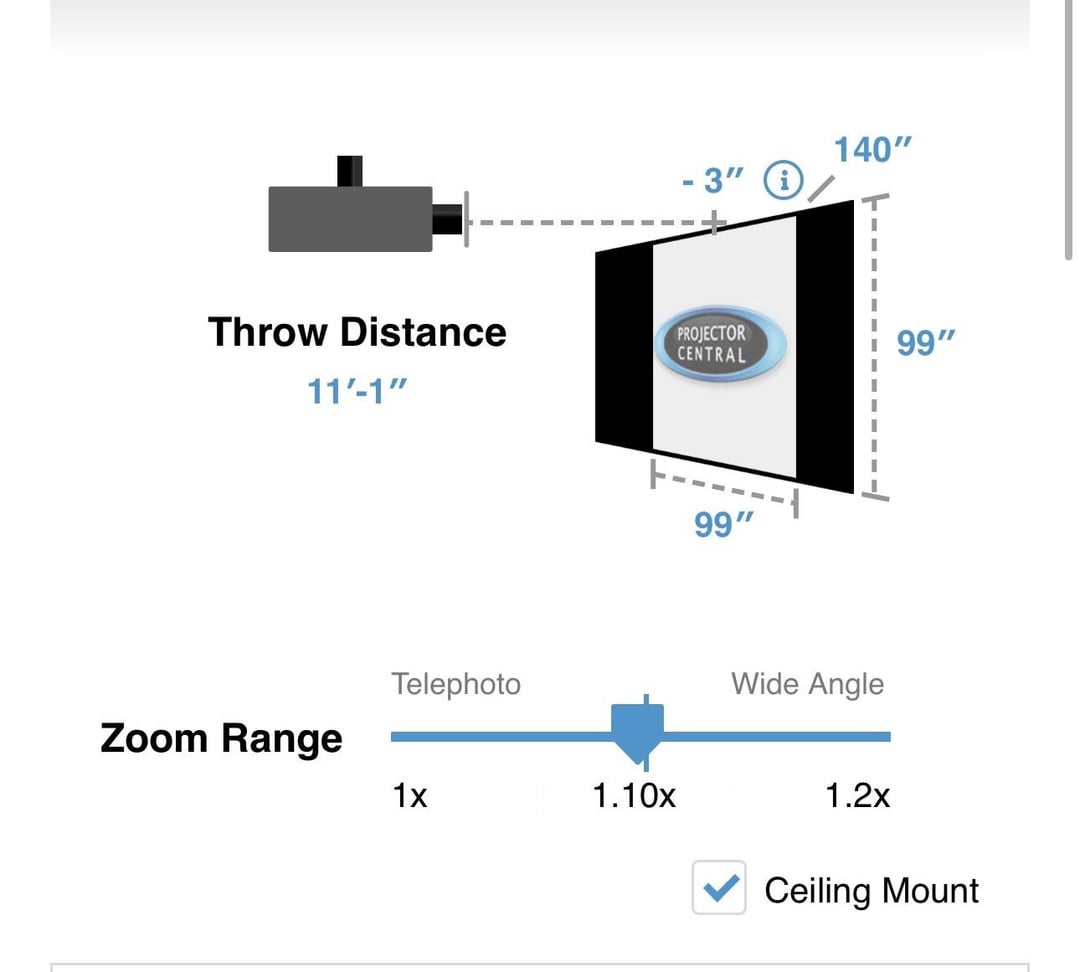
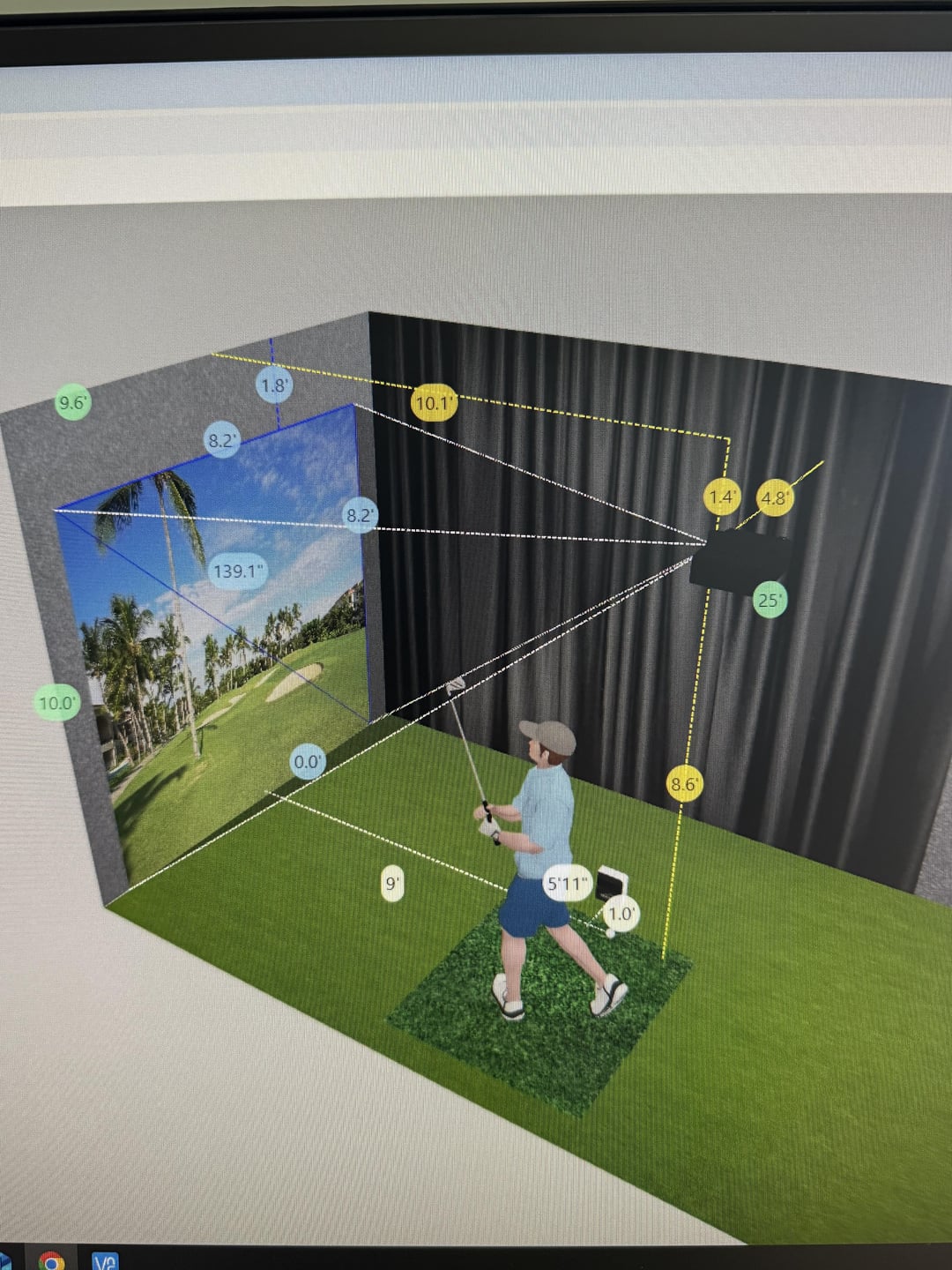
Why is there a 1 foot difference between the two? Would it matter where I put it as long as it’s in between 10-11’ away from the screen?
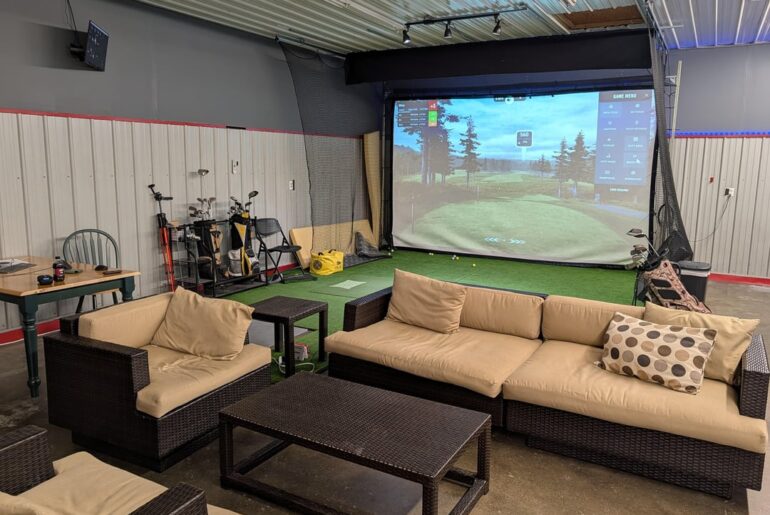
Also, my screen is 99” wide x 91” tall but I can’t account for that on the calculators and had to do 99” x 99”. From my understand the width is more important when figuring out throw distance, is that correct?
by Ok_Flamingo8167


3 Comments
Probably a rounding error/difference in their math. You can adjust the projectors exact image size with the zoom control to get it right. So as long as it’s generally in the right throw distance range, you’ll be fine.
You can account for it on projector central. It allows you to put custom dimensions or the diagonal for the calculation. So either input the custom dimensions (aspect ratio) or calculate the diagonal √(99² + 91²)
If you already have the projector, just put it on the floor below where you think it should go and project the image to line up the width, then play with settings. See if you can adjust it a little over and a little under the side edges (or a lot). That’s the spot/distance you’ll need from above. My BenQ wasn’t perfect for either one of the calculators, although BenQ was the more accurate. The floor test is what you do before installing the mount. Point is, make sure you have adjustment options from wherever you install it.