
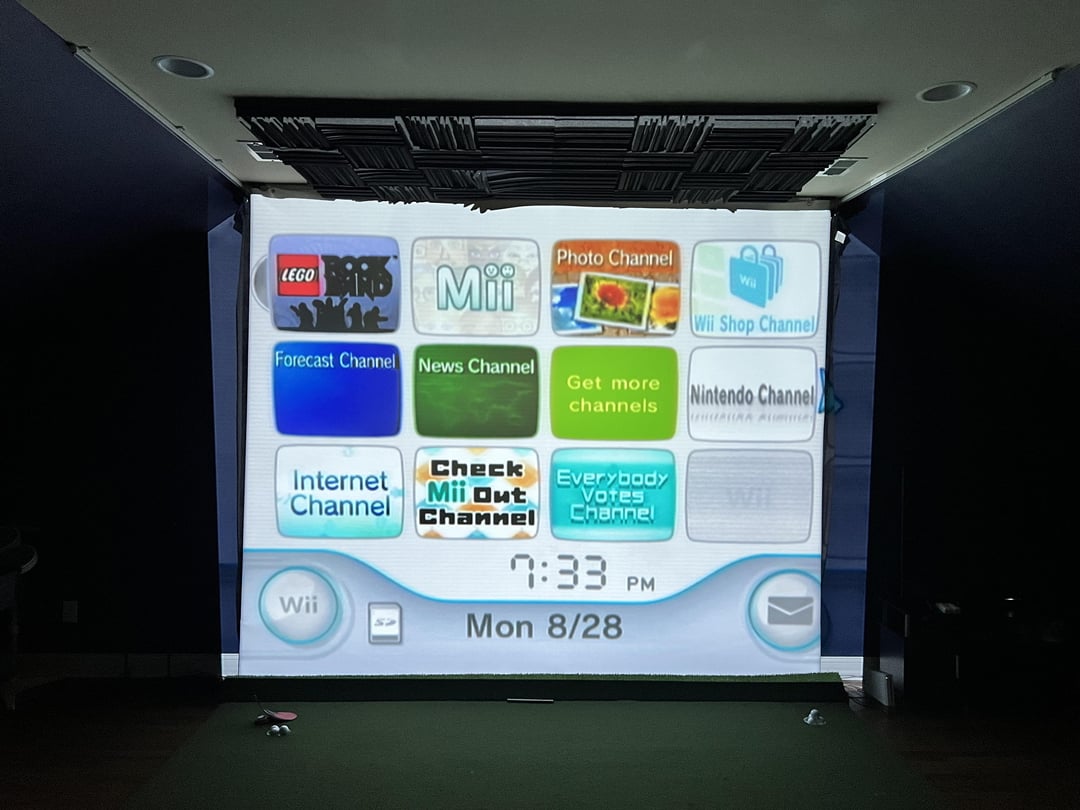
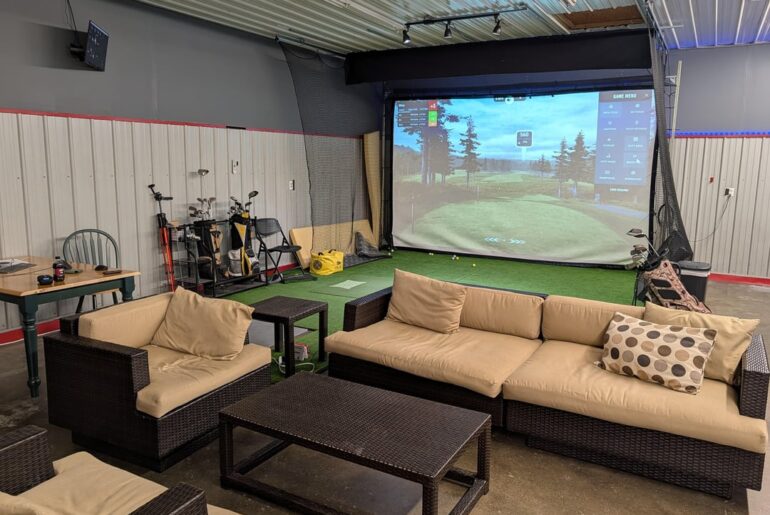
Gradually making project on my sim and finally got the projector mounted but it’s going off the side of the screen by about 1-1.5’ on either side.
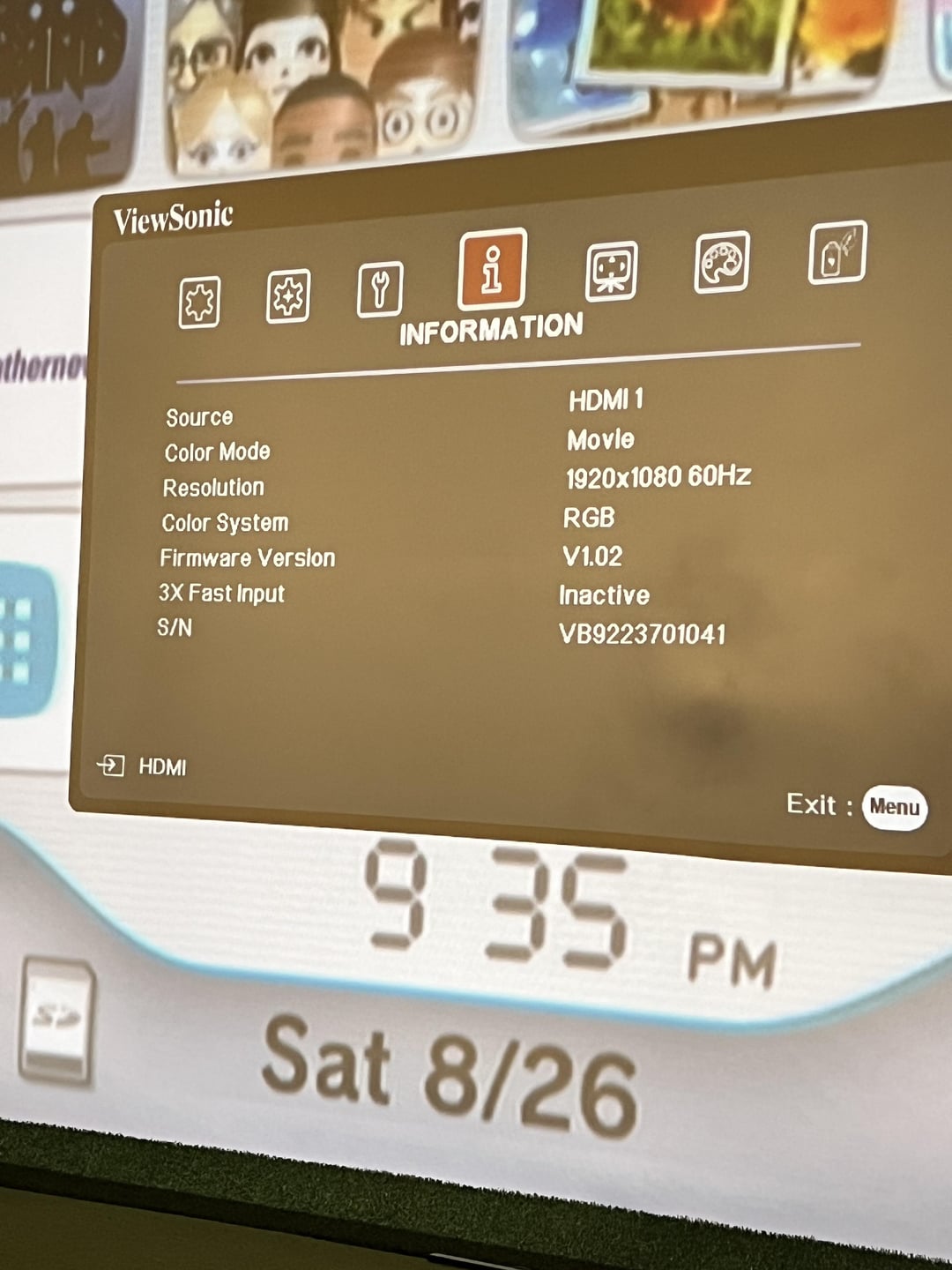
Projector: ViewSonic PX706HD 1080p short throw.
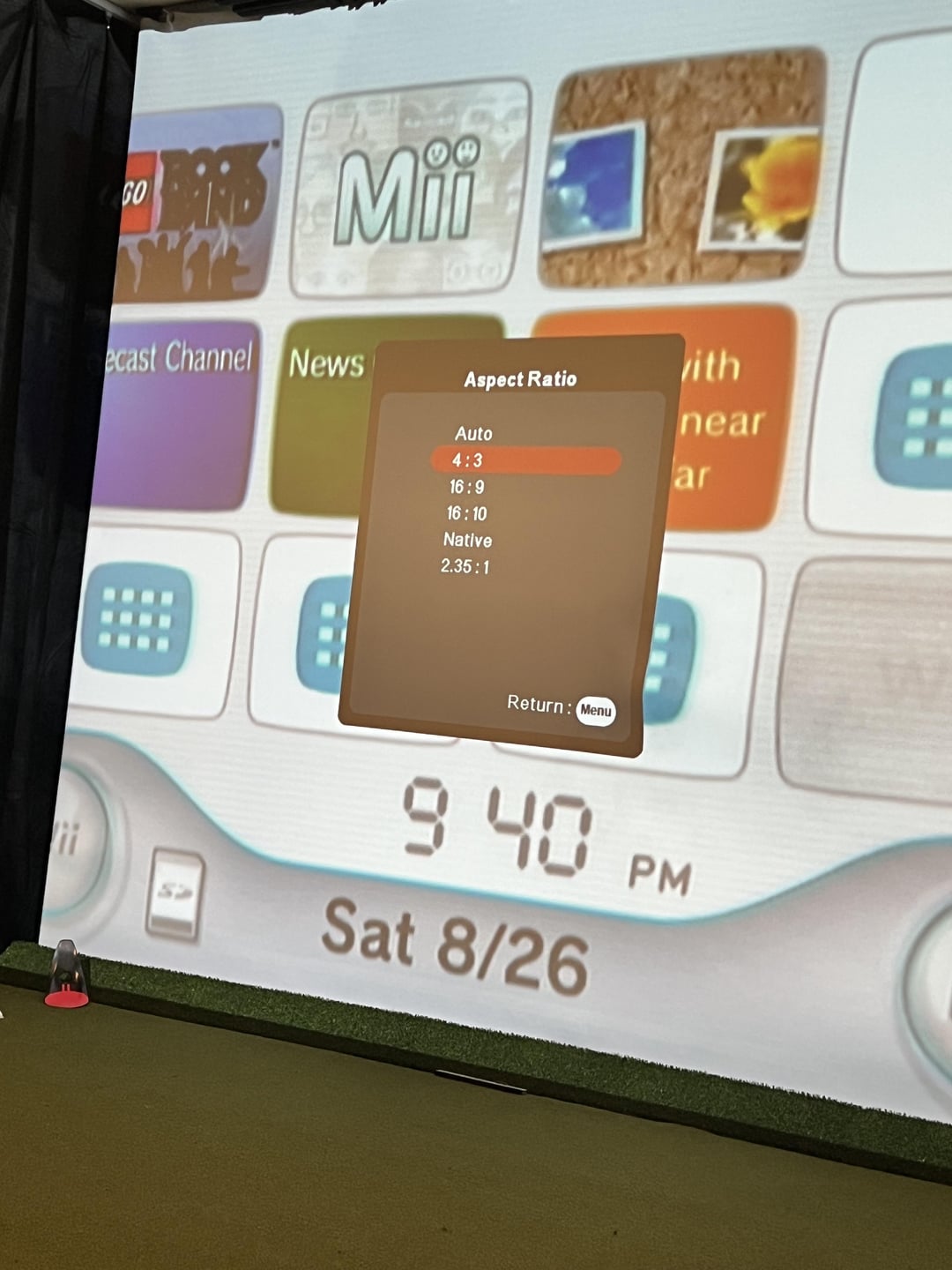
Options: 4:3, 16:9, 16:10, Native, 2.35:1.
Screen size: 10’3”x8’2”
Currently showing the Wii (Rock Band on the big screen is a fun time). But will predominantly be using my gaming PC with Skytrak/GSPro.
Any suggestions on how to best fill the screen?
by RestingMehFace


3 Comments
Your screen aspect ratio is 5:4.
If you can’t output in that, only options are it sticks over the sides like you have it now, or you pull the lens back a bit so that the side edges meet.
I guess you’re just using the Wii for checking the set up?
If you’re running from a PC, it is entirely feasible that whilst the projector would only output 4:3, you may be able to select 5:4 PC’s settings. The edges would then just be black, which in the world of projectors is just absence of light.
Your screen size is not a 4:3 ratio. Assuming your width is 123 inches your height would need to be 92.25 inch for a perfect fit. I got that by multiplying 123 x 0.75. If you’re filling the height of a 98″ screen then it would spill over the edges width wise.
When you attach your PC go into your nvidia control panel and set a custom resolution. Your height will be maxed out at 1080px, but you’ll set a different resolution for your width. If your screen size is 10’3 wide x 8’2 tall then your resolution will be 1355×1080, if your screen is 10’3 tall x 8’2 wide then your resolution will be 860×1080.