
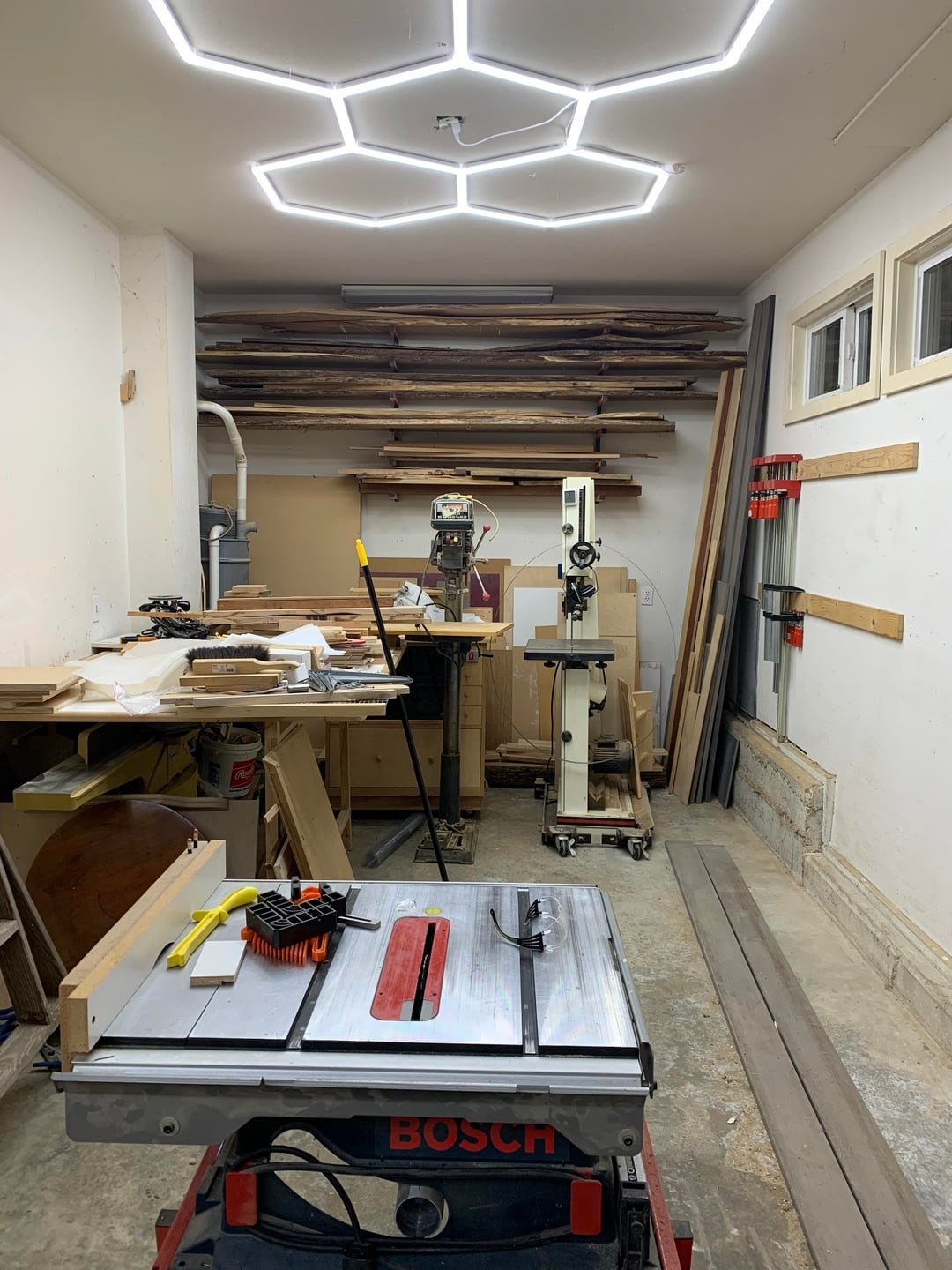
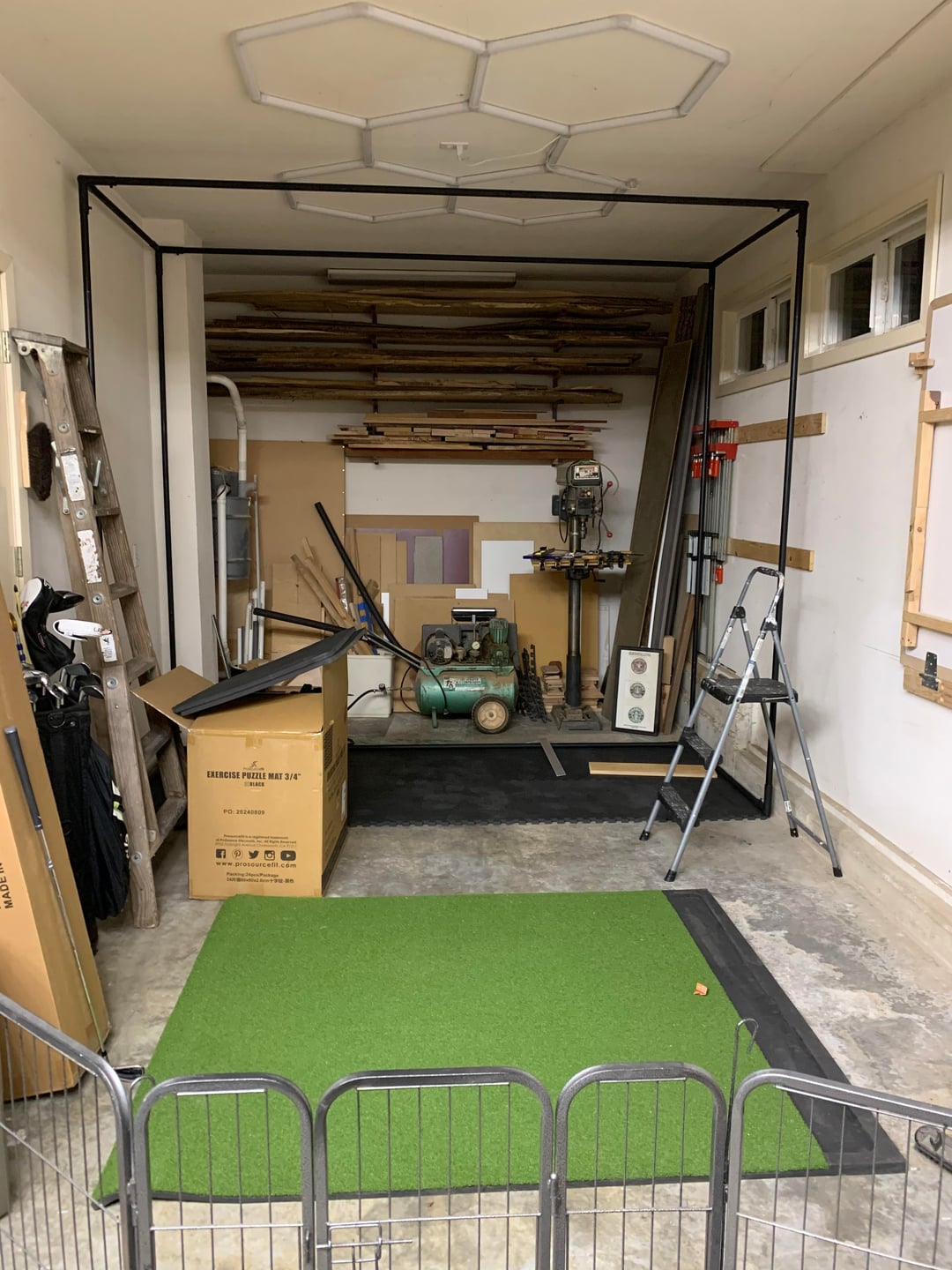
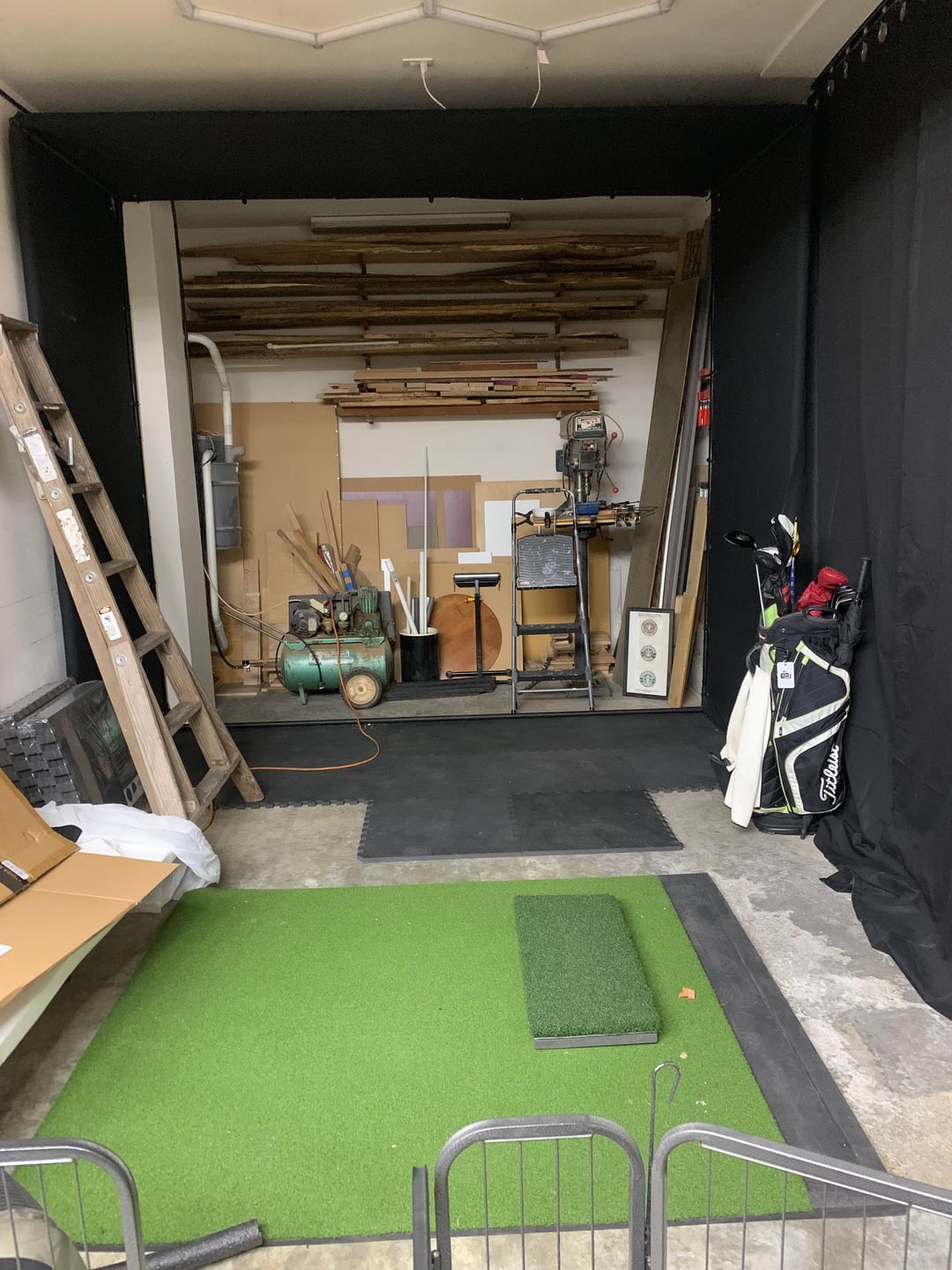
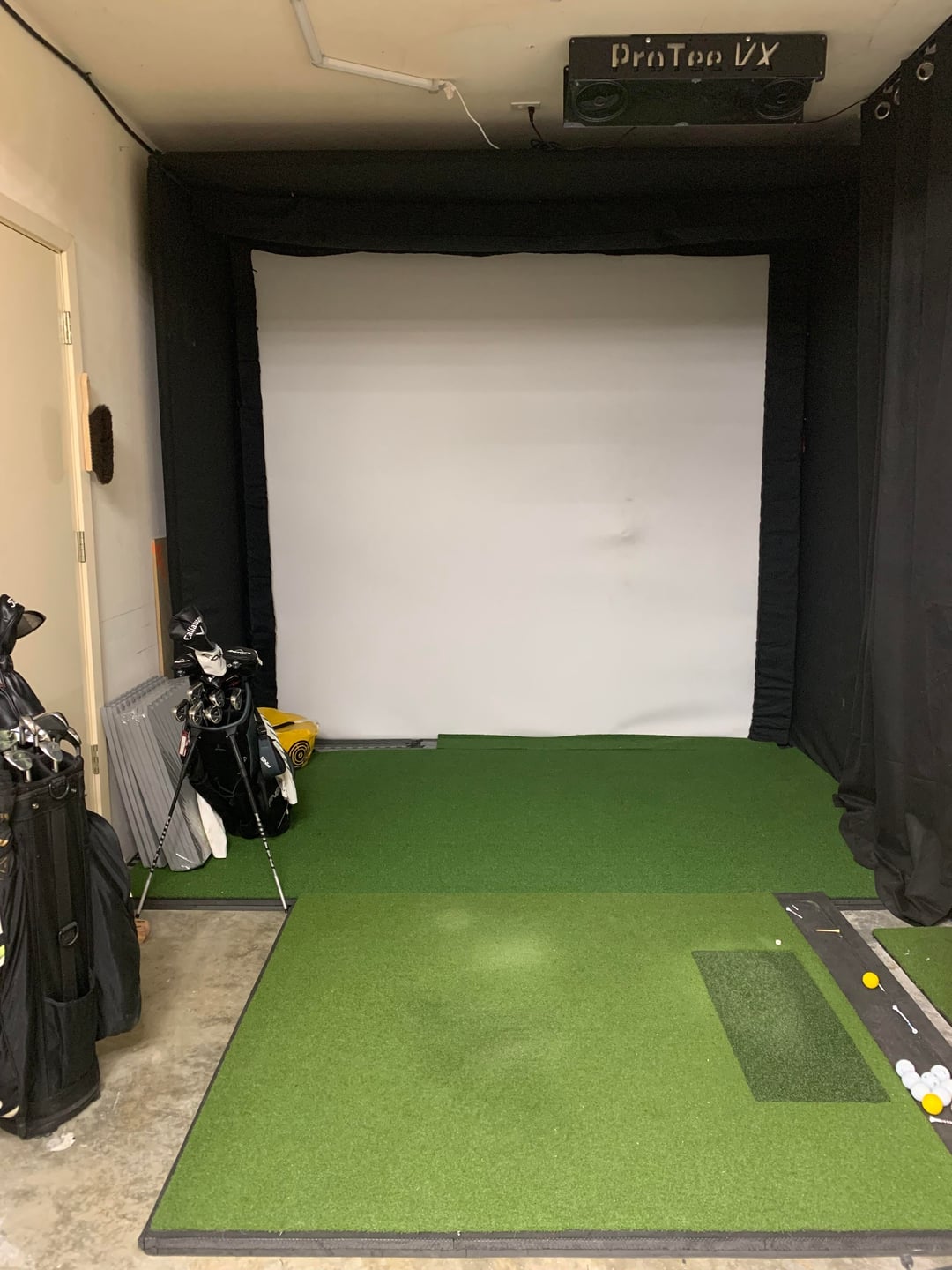
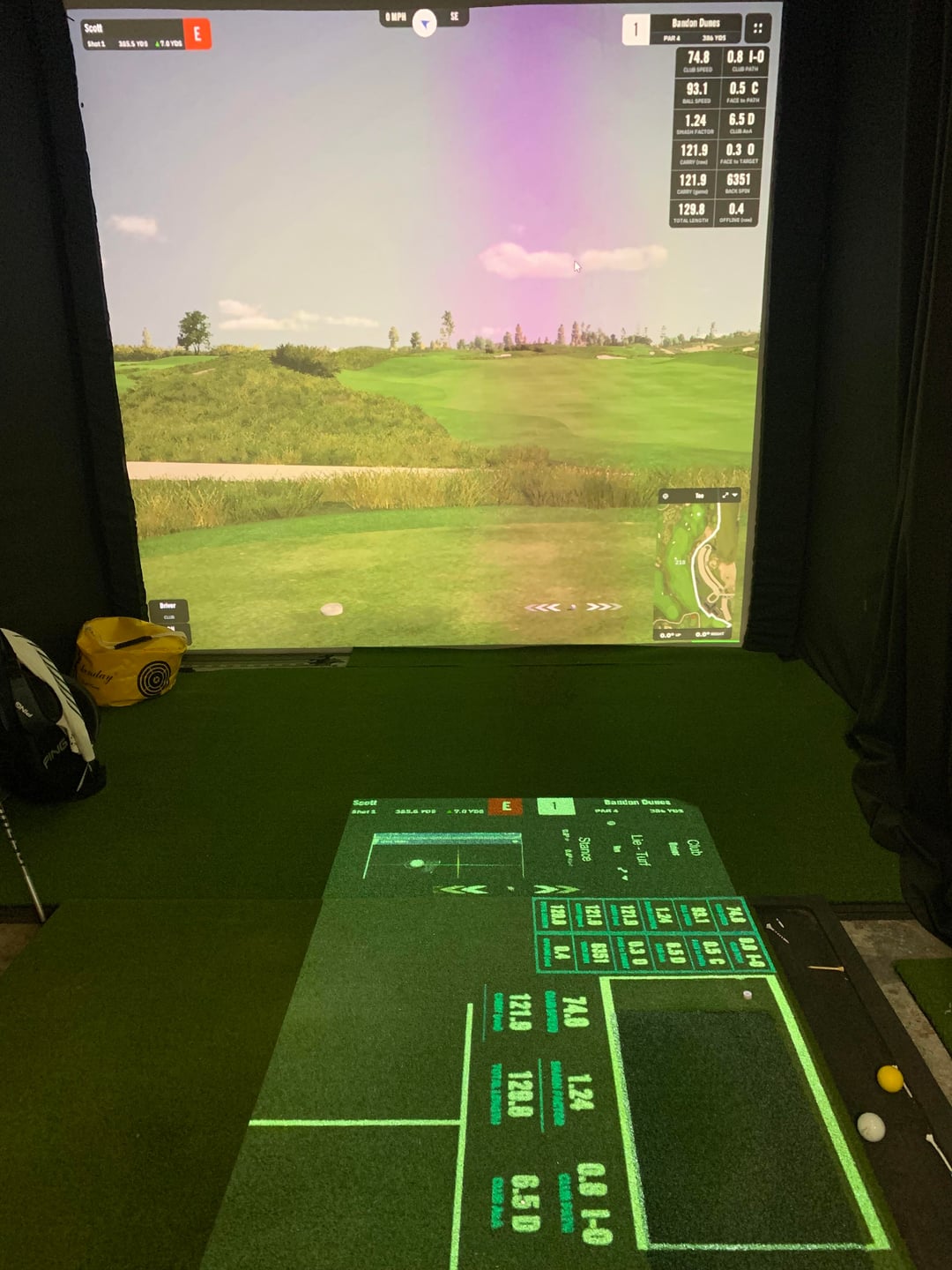

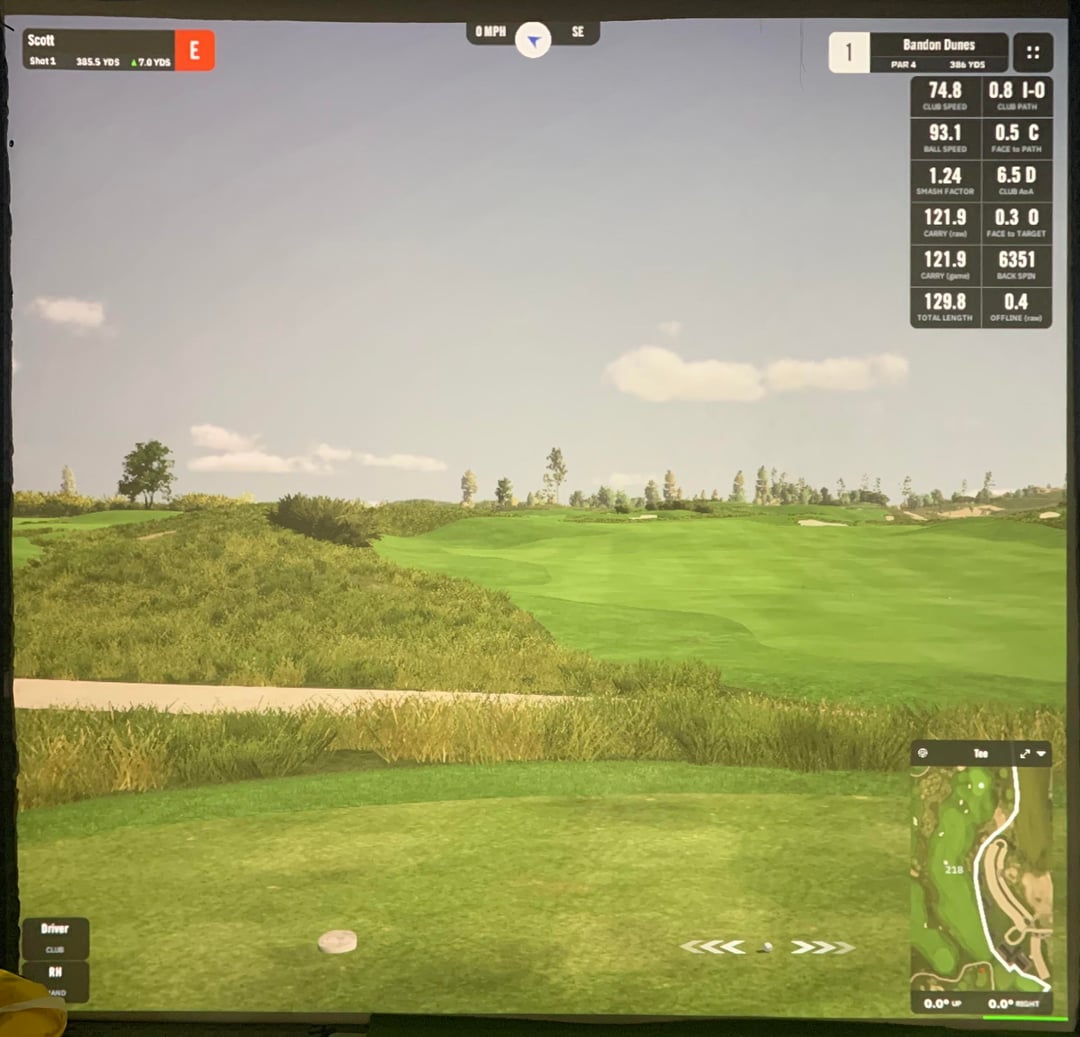
So, after months of planning and building, finally have a decent (given the space) sim. All in for $11k. Our garage is an odd shape – 2-car space adjacent to the driveway, with a smaller "back space" on the right side. Previously, I used this space as a woodworking shop. It measures 10' (w) x ~20' (d) x 9' 8" (h). Given the narrow width, I was forced to offset hitting area 2' right-of-center (sorry, no lefties). The GSPro software accommodates this nicely. Utilized the approach shared by Builds by Maz on YouTube (https://www.youtube.com/watch?v=H1uFs1V-XaA&t=1060s) which is such a GREAT instructional video. I sourced the screen and framing from his recommended sources. The surround material came from Michaels online.
My Setup:
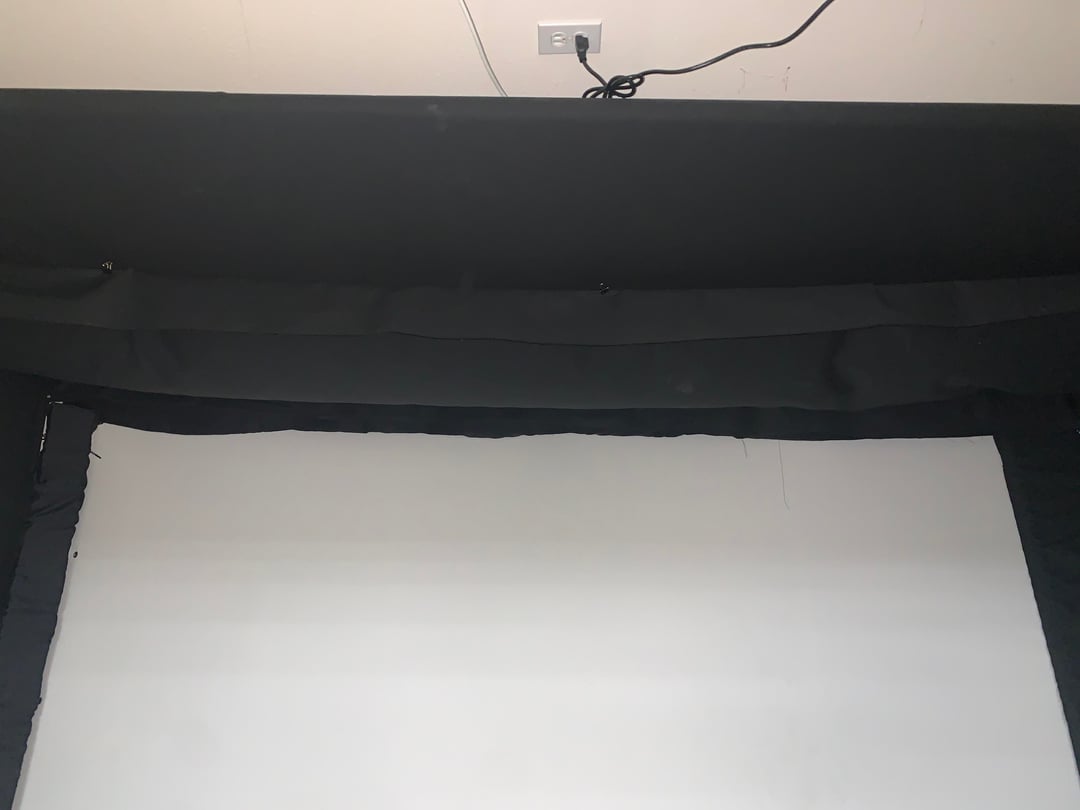
Screen Dimensions: 108" (w) x 94" (h). I have baffles at the top of my enclosure, so my actual screen is about 6" taller that isn't used for projection.
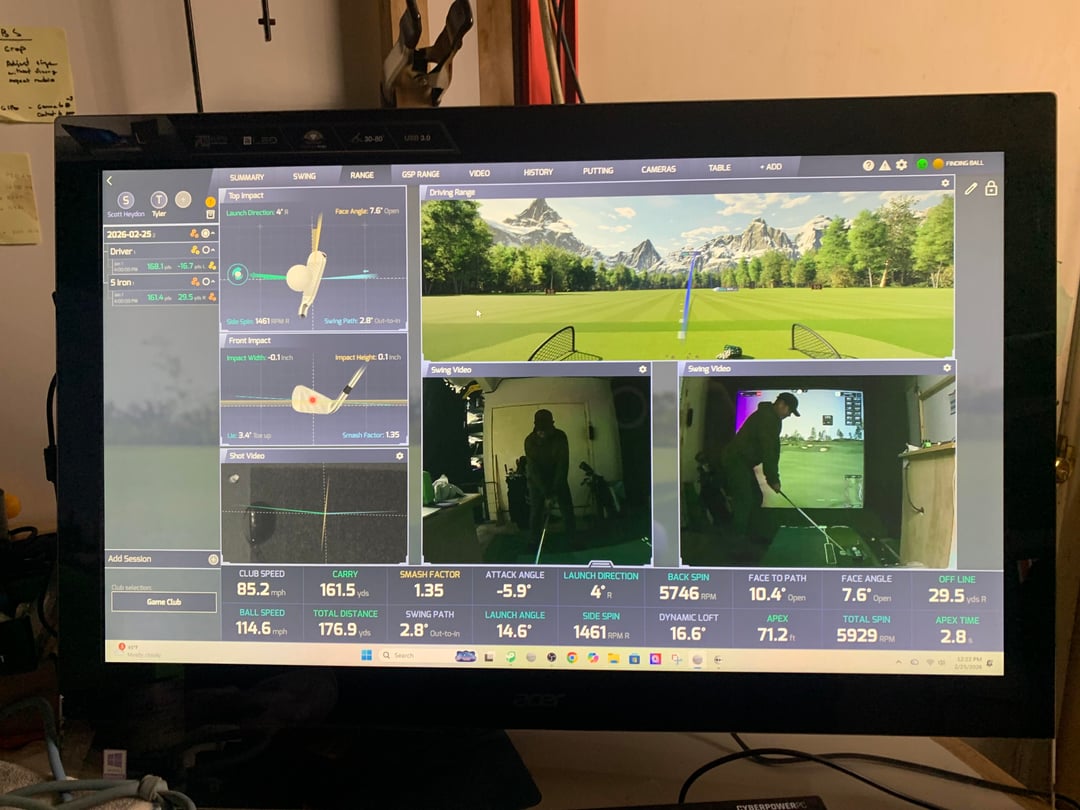
LM: ProTee VX (which I'm loving – it's just simple, improving, and came with two integrated swing cameras – which really help me see what I'm doing / not doing 🙂
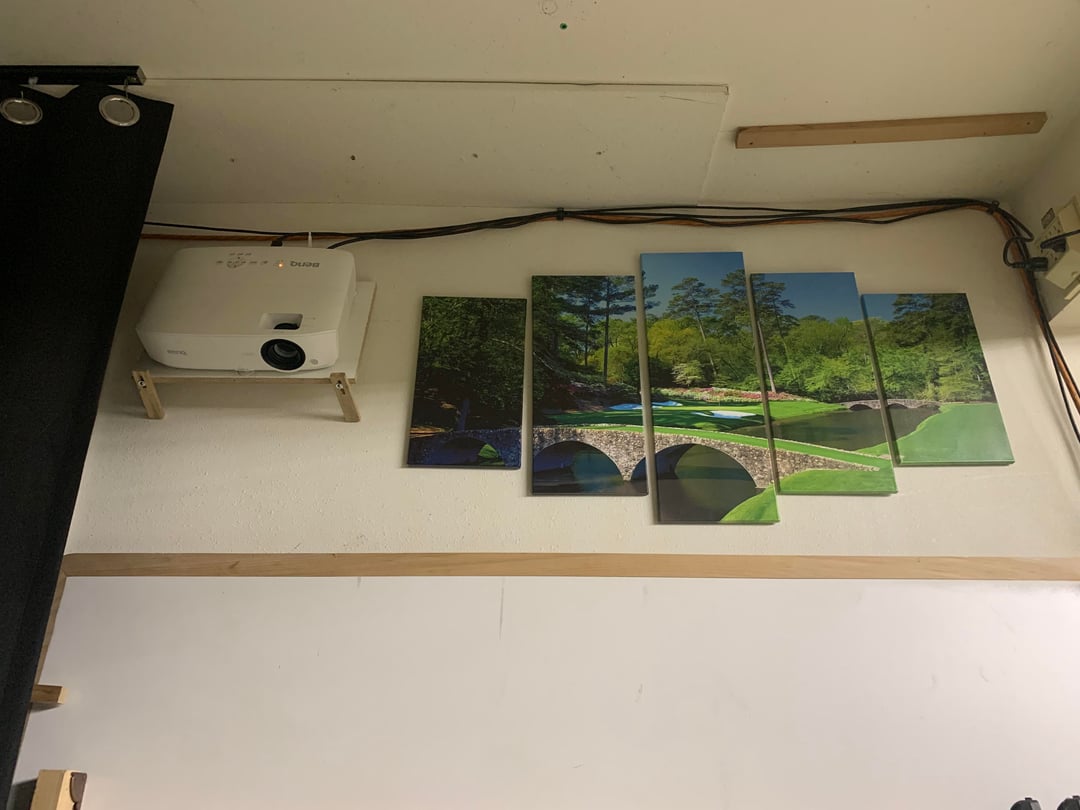
Projector: BenQ AH700ST. I tried 2 others and ended up here – a bit more than I was hoping to spend. I'm not really happy with the resolution (see below). Running at custom resolution of 1240x 1080. The AH700ST has a native aspect ratio of 1920 x 1080.
Hitting Mat: Go Sports mat and turf with SigPro Softy insert (1.5" of gym mats underneath).
Gaming PC: Budget (~$900) from Costco. Decent NVIDIA GPU with 8k of memory.
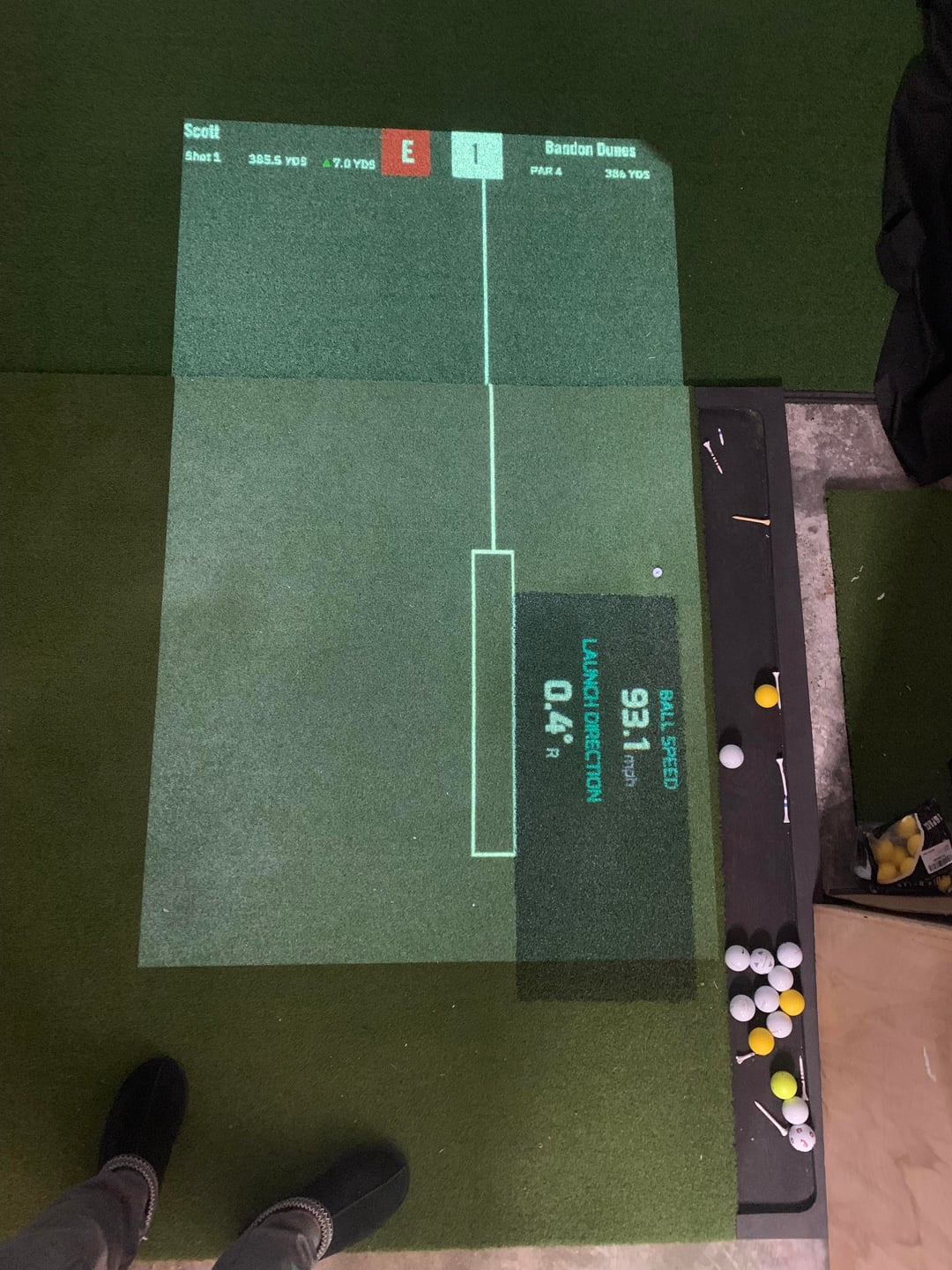
Floor Projector: BenQ MW526AE 3,300 lumens projector purchased off eBay for $70 (313 lamp hours).
Protection: I have curtains on the right side beyond the enclosure and also some curtains from left-over material behind the simulator room to reduce ambient light from the garage main lights.
What I like:
- The ProTee system just works. It was super easy to setup, including the included swing cameras which were simply plug and play. The software is very configurable and provides plenty of reliable and accurate data – including putting. The only thing that seems off, is the club path when I'm putting – everything else seems very "normal" for my game. Also, the hitting area is on the larger side (25" x 24")
- 2 swing cameras are a must IMO if you're looking to work on and improve your swing. The numbers are important, but what you think you feel and what your body actually does can be two different things. I'm sure swing camera integration is possible with other systems, but part of the reason I selected ProTee VX was because they were included and plug and play.
- Floor projection – I'm having fun with this selected which stats / video gets published. I've even created a system that switches to a putting layout when I'm playing a round on GSP and "Putter" is selected (see image). Thanks to Triple Bogey Golf for introducing me to the concept (https://www.youtube.com/watch?v=R6GKit0Mhlg&t=11s)
What I don't like:
- Really wish I had a wider space – would create a better image and I could accommodate lefty golfers. But this isn't changing anytime soon. The depth of my space is plenty big, but there's a HVAC duct on the left side – so I decided to place my impact screen just in front of that (hopefully not going to hit there anyway). It sticks out about a foot, but leaves plenty of space (3' – 4') behind the screen) and still leaves me plenty of space for hitting distance which is 10' from impact screen.
- Projection: I'm not thrilled with the image I have right now. I'm hopeful this projector is capable of better, but I haven't figured that out yet. I tried other projectors but they had to be mounted too far back. I also had mounted this BenQ slightly behind my head (when swinging / center of the screen) and then somehow… I hit it… lightly on a follow-through. That freaked me out so I moved it back. It is currently mounted to a beam with the front of the lens about 12.5' from the impact screen. I had to "zoom out" a lot to fill my screen. I followed the recommended: fill screen vertically with 16:9 aspect ratio, then create custom aspect ratio via GPU settings to remove image that spilled onto sides of enclosure. The projector is running at it's native aspect ratio (1920 x 1080) and the custom aspect ratio was created for my 108" x 94" screen at 1240 x 1080. But somehow the image always seems out of focus.
Thanks to all the posts on this forum for helping and providing instruction and great ideas for improvement. If anyone has any suggestions on the projector I'd love to hear it. I'm thinking of trying a location that's closer to the screen and a bit offset to the right (so I don't hit it).
by Scrappy203
9 Comments
This is awesome. We have almost identical spaces and I never even thought about the idea of a floor projector!
This is awesome, thanks for sharing the detailed write up. My space is also has width issues and I’m also getting the ProTee. One question I haven’t found an answer to is how close to you are the vertical and horizontal cameras? With my space I’m thinking the face on swing camera will be about 4 feet away. From you setup it looks like that should be enough space.
How’d you do the floor projection? That’s a dope idea. I’d love to hear more about it
Looks awesome man
this is great!! good work
What cameras did you purchase? Next buy for me.. how do you like them?
Looks great. It’s a lot of work. Hope you enjoy it
I really like what you did there young fella.
Does it feel tight or weird hitting off center?
I currently have a 12’ wide x 16’ deep x 10’ tall sim setup with a centered hitting space and plenty of room.
Im going to be moving in a few months to a new home that has a 3 car garage and planned on putting the sim in the 3rd car stall but it is a bit tight, similar dimensions to yours.
9’6” wide x 18.5” deep x 10’ tall. Worried about it still being comfortable and playable in a new space that size