
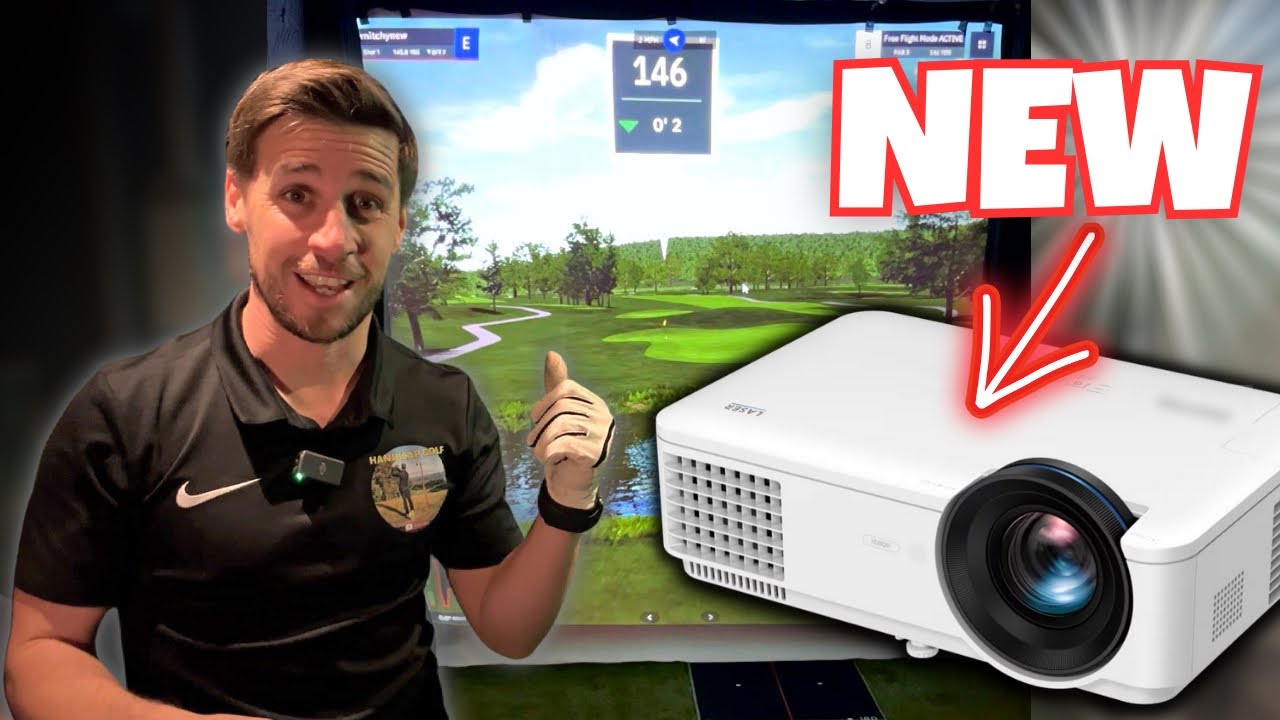
The Ultimate Projector for SMALL Golf Simulator Rooms
I have finally upgraded the projector in my home golf simulator, and it is supposedly designed especially with small-room golf simulators in mind – which should be absolutely perfect for me! In this video i walk you through the setup and provide my first impressions of this brand new projector!
👇🏼 HOW I CAN HELP YOU👇🏼
__________________________
⛳️ Download my Ultimate Home Golf Simulator Guide eBook here: https://handicap-golf.ck.page/products/golf-sim-guide
👉🏼 Book a one to one call
https://calendly.com/hcpgolf/consultation
BenQ LH820ST Projector : https://benqurl.biz/3BZ9Uua
BenQ Golf Simulator Projector : https://benqurl.biz/43rz28s
#GolfSimulator #BenQLH820ST #PlayLikeYouAreThere
💰 5% Discount at https://www.golfswingsystems.co.uk/ use the code HANDICAP5 at the checkout
🇺🇸 US Viewers visit https://www.playbetter.com/collections/golf-launch-monitors?ghref=2301%3A656440 for all your golf sim equipment
MY HOME GOLF SIMULATOR SETUP:
Launch Monitor: https://www.golfswingsystems.co.uk/shop-by-brand/skytrak/
Hitting Mat: https://www.golfswingsystems.co.uk/shop-by-brand/tee-turf/
Impact screen: https://shop.carlofet.com/golf-impact-screens?acc=faa1f47d99384715608f21292313ab25 or https://www.golfswingsystems.co.uk/product/3d-hd-projection-screen-archery-netting/
Projector: https://benqurl.biz/3BZ9Uua
Desktop Computer: https://amzn.to/3XHk7Eu or Laptop: https://amzn.to/3JhcNey
Side Curtains: https://amzn.to/3Hn0hJo
Bungee Balls: https://amzn.to/3j1zYz6
Tarp Clips: https://amzn.to/3wo7fY8
Foam Wall Tiles: https://amzn.to/3wsKFgU
Wire Rope: https://amzn.to/3WwSLjr
For a 5% DISCOUNT on all golf simulators, setups and products, click on this links to the Golf Swing Systems website and use the code ‘HANDICAP5’ at the checkout: https://www.golfswingsystems.co.uk/shop/golf-simulators/
Subscribe to Handicap Golf: www.youtube.com/channel/UCg4PZWrvy2-XF3hjHxe0H1A
Instagram: www.instagram.com/handicap_golf
Email: golferhandicap@gmail.comre
42 Comments
love your excitement bro
Looks amazing Midge what a quality image, wouldn’t want a 4k when that looks so good ?!
Not a bad 1st shot for a loosener !! Just need the Skytrak + to make it even better 🏌🏼♂️
I went to the website. The DO NOT make it easy to see the price. Good shot.
How much does the frigging thing cost??? Ugh
Congrats mate! Looks like a whole new room!!!
Thought that course disappeared from GSP
You said 1080p, but maybe it's not 1080p? Seems to be 1280×800? But if it looks that good, maybe it's good enough if you don't have some sort of gigantic screen? How big do you think that would look good??? Very serious buyer here.
WOW .. THAT LOOKS AWESOME LOVE IT 👍
Nice projector Mitch. After my latest launch monitor purchase, I'm going to have to save up a few pennies before looking at my next projector. Currently have the BenQ TH671ST but even through the video I can see how much better your laser projector is in brightness and features than what I have. Jealous here.
Your videos are really helpful 👍G
unna do my own sim setup and save the cash over a "package deal". This projector does look amazing.
Sorry its off topic but due to space restrictions im going skytrak. I'm stoked to see the new skytrak+ has come out.
Do you know if GSPro works with the skytrak+?
What make and model laptop do you use for the GSPro ? Will this projector work outside and provide a bright enough picture ?
Very nice, what were the specs
What mount is that and what sort of angle down does it project. I have the problem where i will have a box about 15cm in front of where ill have the projector but its only 20cm in height. The ceiling moubt offset says it needs to be 23cm so i think them image will project below the other box and not into it?
Hi mate – I noticed that you have your projector ceiling mounted but off centre on the side you swing from right? I’d be looking to do this too as my ceiling is 2.5m high. Is it mainly horizontal and vertical keystone you need to ensure the image fills the screen?
I also read you need to make sure you fill the height of the screen and can then reduce width via the graphics card.
Finding it difficult identifying a budget friendly projector and want to make sure I’m looking for the right specs as it’s the last item to purchase! Cheers
That projector's throw calculator says it needs to be 8 inches above the top of the screen. Is it setup that way on yours and if not how did you get around it?
How have you found this setup for offset hitting? (By that I mean your room is small so a dead straight shot is hit into the right hand side of your screen and not the middle of the screen).
Skytrak, gspro and this projector all work well for this?
😍😍😍
Fantastic review I work for BenQ, and this is an amazing little projector. Let me know if anyone is interested in getting one.
Does the projector have any zooming ability? My current ceiling mount is 10 feet from my impact screen and I don’t want to have to move the mount. Projector central says, with my specs, that it should be mounted 6’3” from the screen. If this projector has a zoom function I might be able to keep the mount where it is. If not then I would have to move the mount…which would be a pain.
Which one better ViewSonic px701 or viewsonic x1 for golf simulator?please advise
What distance from your impact screen did you mount the projector at?
Excellent review! Do you still need to set a custom resolution with Windows or can corner fit on the projector size and scale it down appropriately?
That looks Awesome, just looking at the width and height to see if it will fit, colours look fantastic. Put big light will ya, i'm doing crossword 🤣
looks awsome! how much is the projector?
Can I use GS Pro with skytrak+, if yes how, as I'm struggling to set it up? Thanks
How far is your ball from the screen in this video?
I’m having a difficult time covering my entire screen(113x85h). Based on your video how far back is your projector mounted and how far down from the ceiling is the projector. Also how much can you move the projection over. I’m only 10” off center and the screen won’t move that much. What is your resolution numbers set too?
Excellent vid! I’m just waiting for this projector to launch in Australia. Could I please ask how far from the impact screen the projector was placed? I’m hoping to situate mine approx 12ft from my impact screen but worried this will be too far for a short throw projector. Many thanks 😊
Can you tell what your settings te both on your computer and projector? For some reason I can’t get lens shift to highlight therefore I can’t use it. Not sure if my resolution is correct or I need to change something in projector settings. Thanks
Hi- great video. Do you use a 1×1 aspect ratio?
How wide is your screen there? Would this work on a 7’ screen?
Great review Mitch, my setup 8ft6x8ft6 screen looks very similar to yours so you’ve helped me decide. I was originally looking at the 500, but that clarity and brightness is beautiful. Thanks for the help and your ebook👍
Hi Mitch I will be using mine from the iPad so the iPad puts out 4 _3 so if I fill the screen 1:1 then I’ll be loosing something either side. Now I’m assuming GSPro will be wider so do you find your loosing anything? Picture does look amazing.
My screen is 2.7 m heigh x 3 m wide would this projector work for me?
Hi, I love your channel I see your discount of 5% off. I’d like to get that same projector that you’re using and will your code work purchasing from the USA?
Wow. I’m on the market for a new one. Don’t really want to spend the money but yours sure looks nice. What size is your screen? What are the settings because my screen is 8‘ x 8‘ will that work? I thought that you needed to put it on white screen to get such a clear picture, but your screen does not look like it’s super wide and the picture looks awesome. Thank you.
I was also debating on the Optoma GT2000HDR Compact Short Throw Laser Projector. I heard good reviews on that one as well. May be easier to get and a little cheaper. Now after seeing yours I am leaning towards possibly the benq?? Don’t know what to do. My screen is 8 by 8. I use gs pro.
Quick question. I’m also working on a simulator and have a small room 9×16 and my screen is 91”x91” (1:1). Would this be your recommended projector? And how far is yours mounted from your screen?
Can you post a link for the projector ceiling mounting bracket
Can it do 4:3 aspect ratio?
I got the projector but the digital lens shift is greyed out I can't use it do you know why?
How do you get the software to run at 1:1 aspect ratio? I’ve got the LH820st in 1:1
When I try e6 with the sky trak play and improve it only gives me the window option to run it at 4:3 aspect ratio and it won’t open in a 1:1 size Same issue with the skytrak range
Thanks